
What do I need to get started?
If you already have an active card terminal, you're almost ready.
Three things, and you probably have most of them
| What's needed | What it is | Don't have it? |
|---|---|---|
| A registered business | Exempt dealer, licensed dealer, Ltd. company or nonprofit | You can open a business file on the Israel Tax Authority website |
| An active Tranzila card terminal | The account card payments go through | Open a card terminal with Tranzila (we'll guide you through setup) |
| A merchant agreement with a card company | Lets your business accept credit cards | Usually done together with opening the terminal |
-
A registered business
Exempt dealer, licensed dealer, Ltd. company or nonprofit
Don't have it? You can open a business file on the Israel Tax Authority website
-
An active Tranzila card terminal
The account card payments go through
Don't have it? Open a card terminal with Tranzila (we'll guide you through setup)
-
A merchant agreement with a card company
Lets your business accept credit cards
Don't have it? Usually done together with opening the terminal
Good to know: Wubpay is a management system, not a payment processor. Your customers' money goes through your own card terminal straight to your bank account, and never passes through us. Processing fees are set between you and the processor.
No terminal?
That won't stop you. We'll help you open a card terminal and connect it to Wubpay, step by step.
We'll guide you to open a terminal and connectJoining, step by step
From sign-up to your first payment request link: a few minutes, once you have your terminal details
Times were measured with a stopwatch on the system itself. Actual time depends on your internet connection, device and load. Measured on 23 October 2026.
-
Sign up: business details, business number, phone and a package.
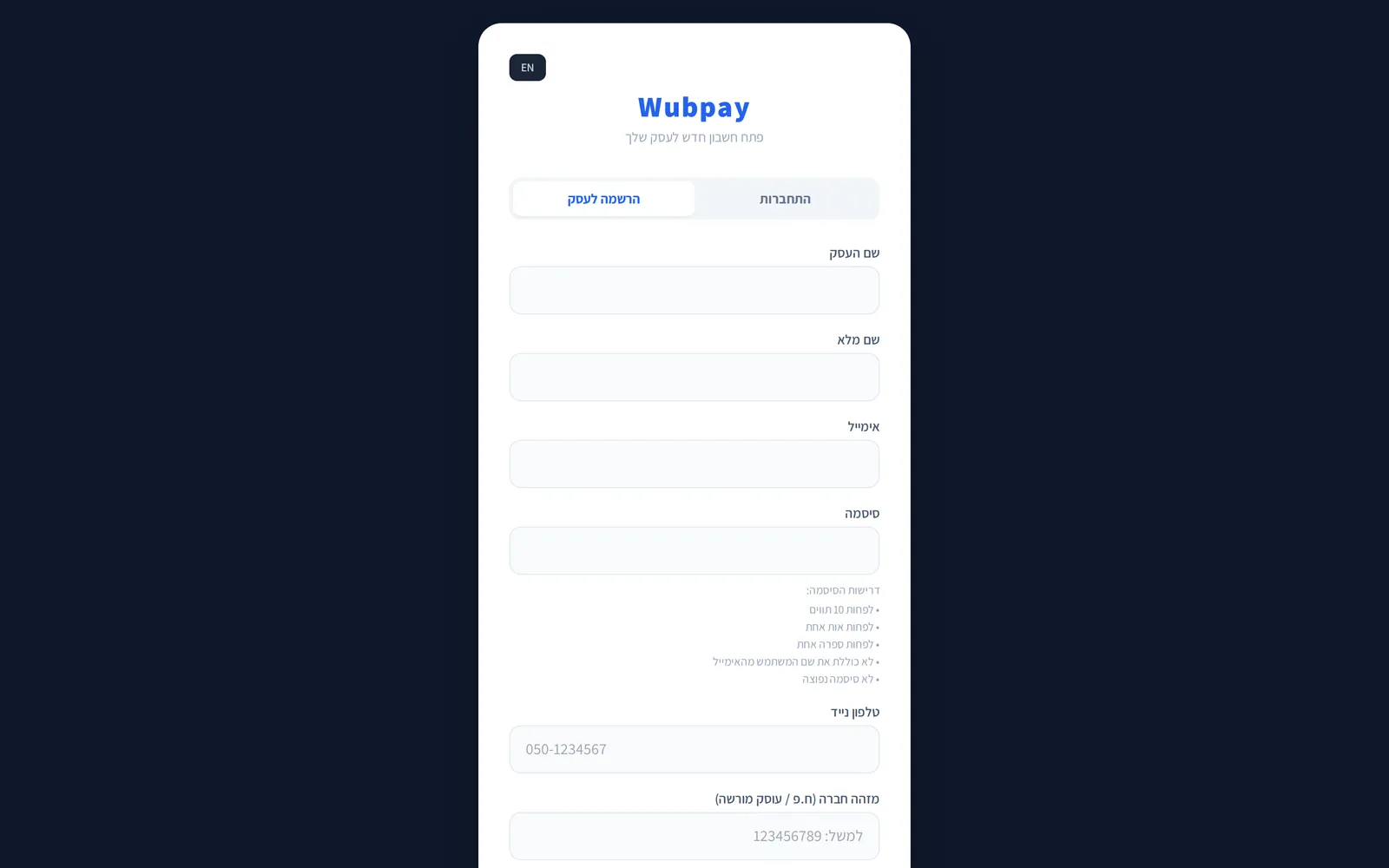
The sign-up form -
Set a payment card for your subscription: enter the credit card your subscription fee will be charged to.
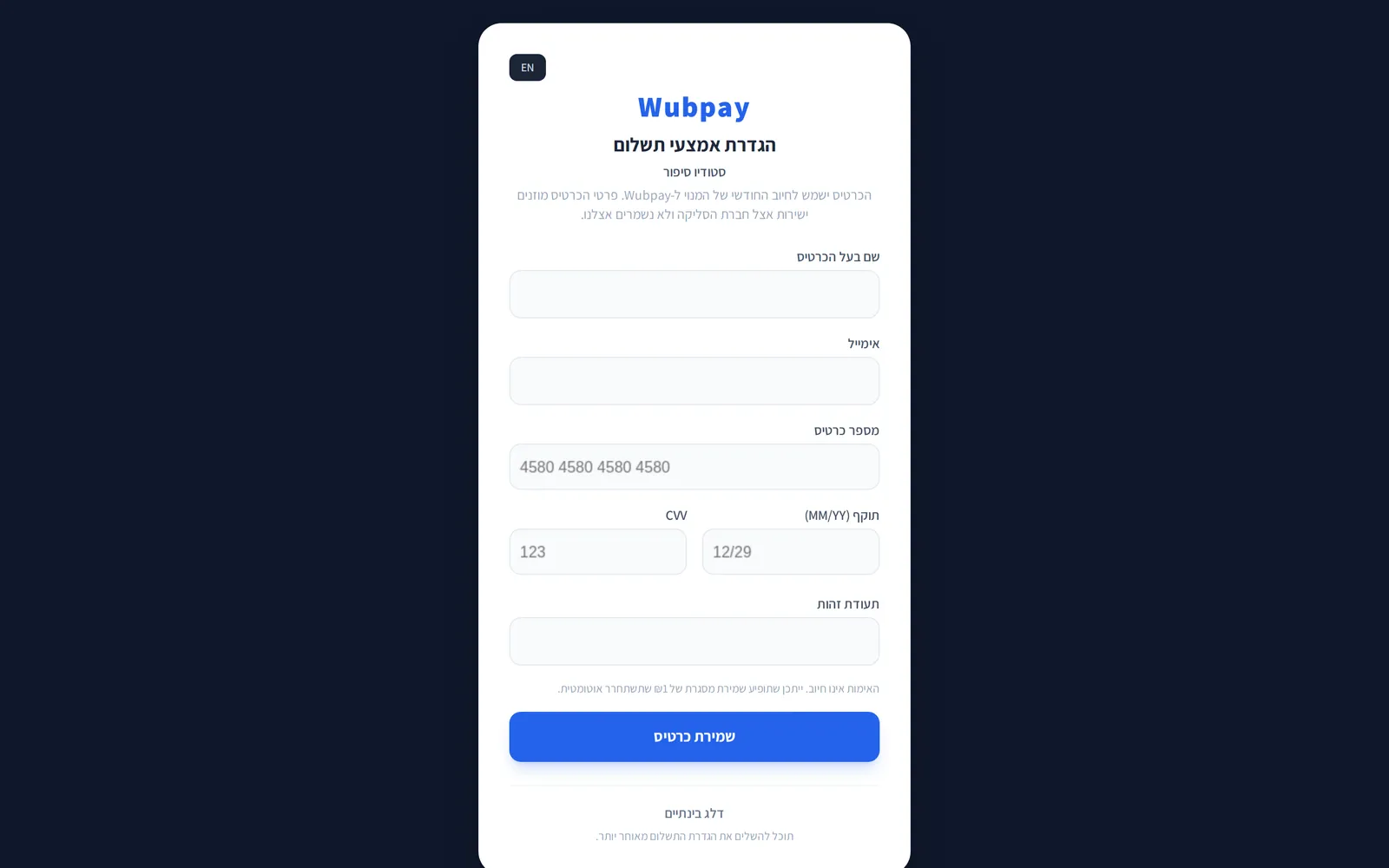
Subscription card setup -
Connect your card terminal: paste the details of both terminals (main and token) you received by email from Tranzila support.
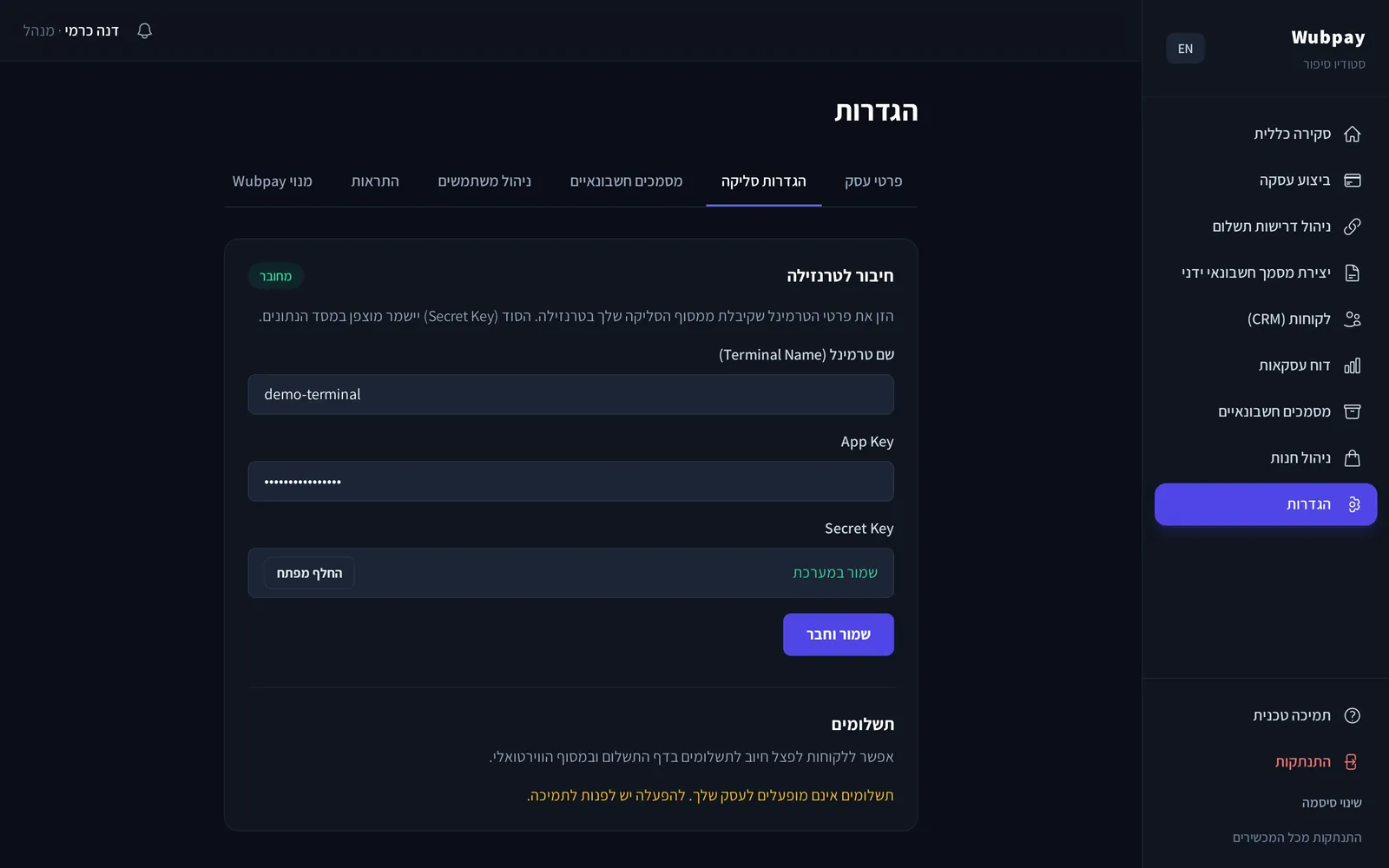
Payment settings: where you enter the terminal details -
Complete your business details: set up your accounting document details, so receipts and invoices are issued correctly.
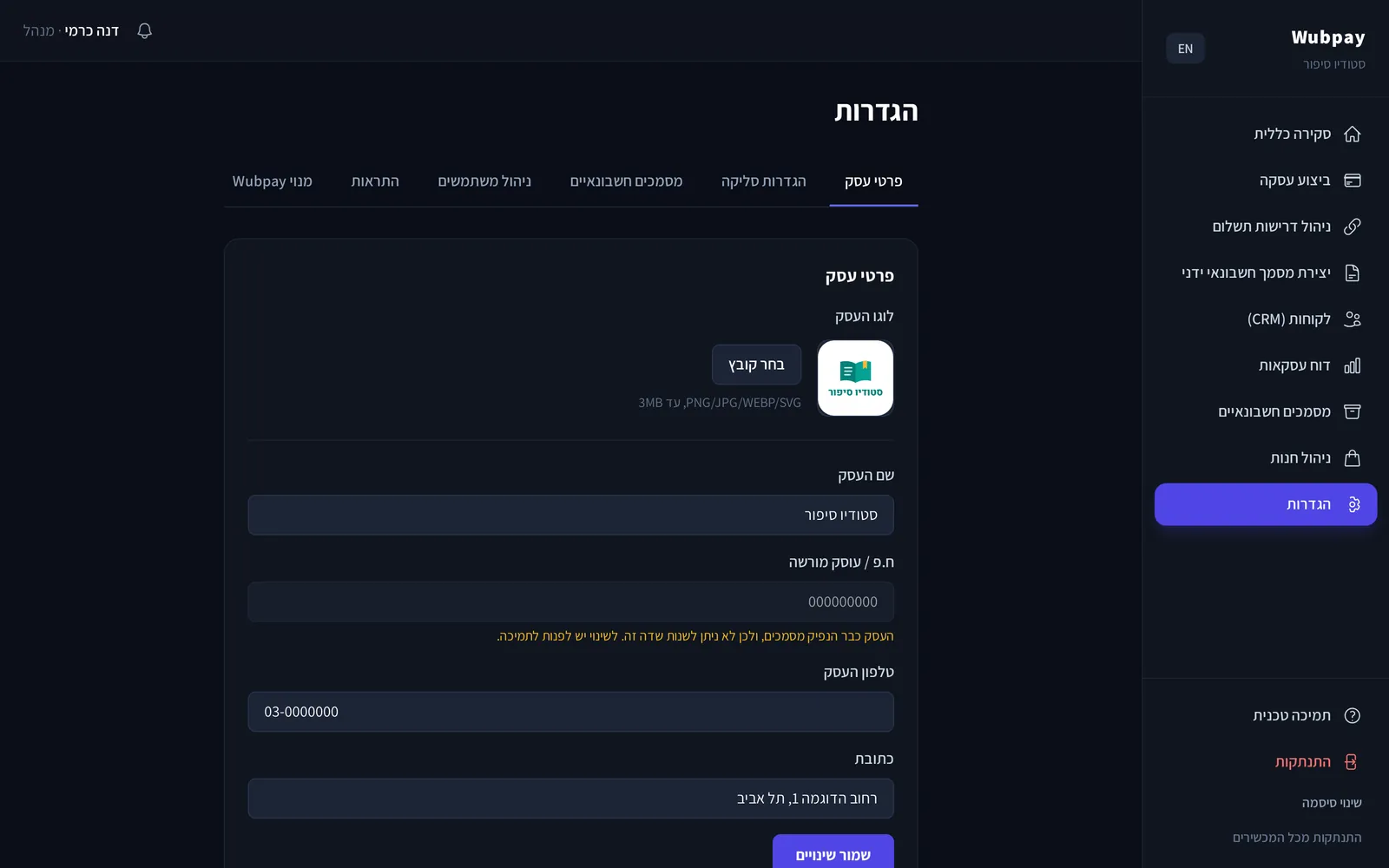
Business details and branding -
Start: your first payment request link, first store product, or first terminal charge.
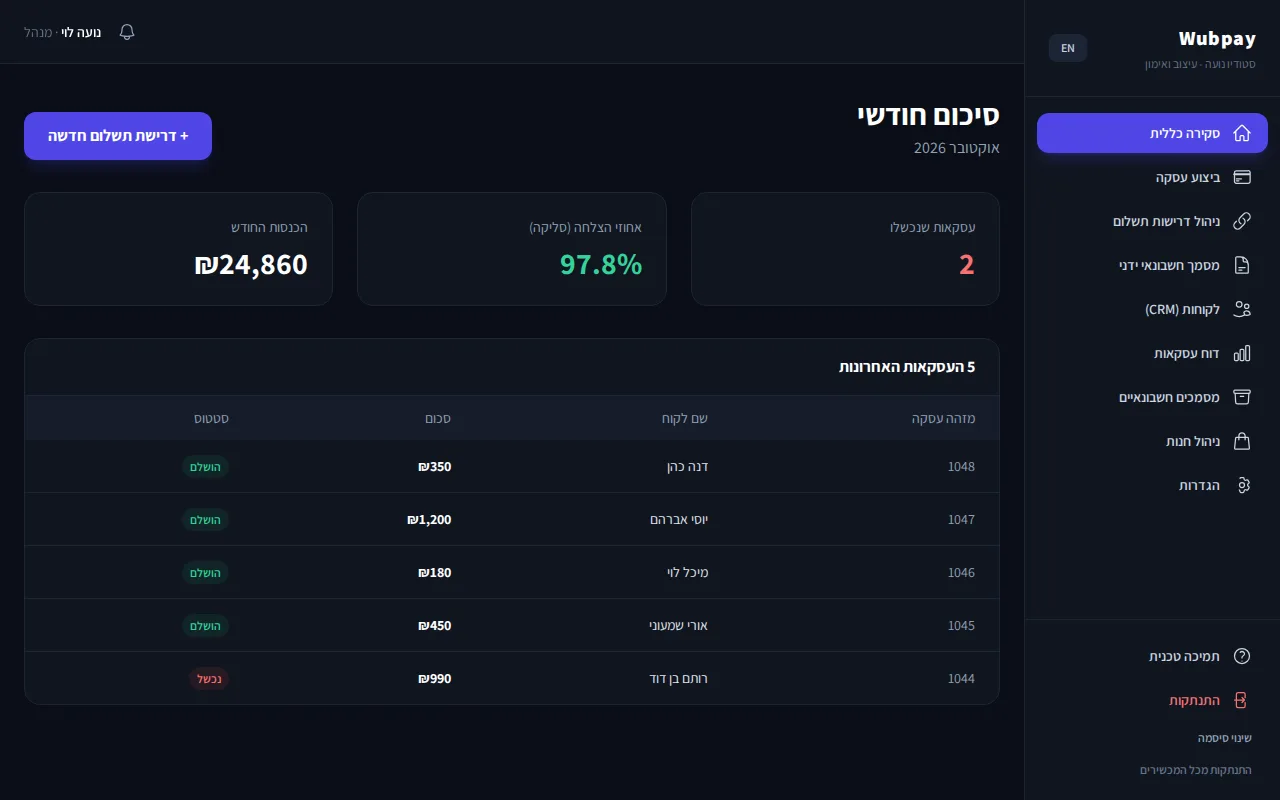
The dashboard, ready for your first payment
Need help with one of the steps?
We'll help you on WhatsAppGuide: how to get your terminal details
To connect payment processing you need two terminals: a main terminal (customer payments through links and the store) and a token terminal (phone payments, with no 3DS), plus the App key and Secret key, shared by both. You get all of them from Tranzila technical support: send them a request and they reply by email. Copy the details from the email and paste them into Wubpay. The business sets the main terminal's 3DS threshold with Tranzila: above it, the customer authenticates the charge with their bank.
Hello My name: <your name> Business name: <business name> Business ID: <business number> To connect payment processing in our system, please send me the details of our main terminal and our token terminal: terminal name (main terminal) token terminal name app key secret key